hexo线上部署踩坑
submodule
使用git clone https://github.com/jerryc127/hexo-theme-butterfly.git themes/butterfly的方式添加主题,在stage change时会遇到hint: If you meant to add a submodule, use: xxx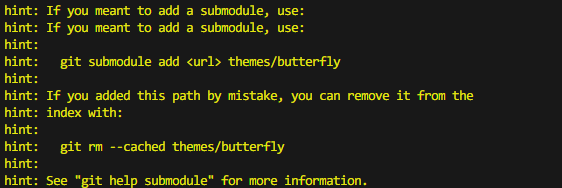
不同仓库嵌套了,就会出现这个提示。处理方式如下:
- 确保万一先执行
git rm --cached themes/butterfly,因为我安装的主题是butterfly,如果是其他主题,依照hint信息替换成对应主题名(子模块名)就行,git rm --cached ${submodule_name}。 - 执行:
git submodule add https://github.com/jerryc127/hexo-theme-butterfly.git themes/butterfly。成功在项目根目录下会生成一个.gitmodules文件。内容如下,具体以实际的添加的主题(子模块)信息为准。1
2
3[submodule "themes/butterfly"]
path = themes/butterfly
url = https://github.com/jerryc127/hexo-theme-butterfly.git - 重新stage change。
样式丢失
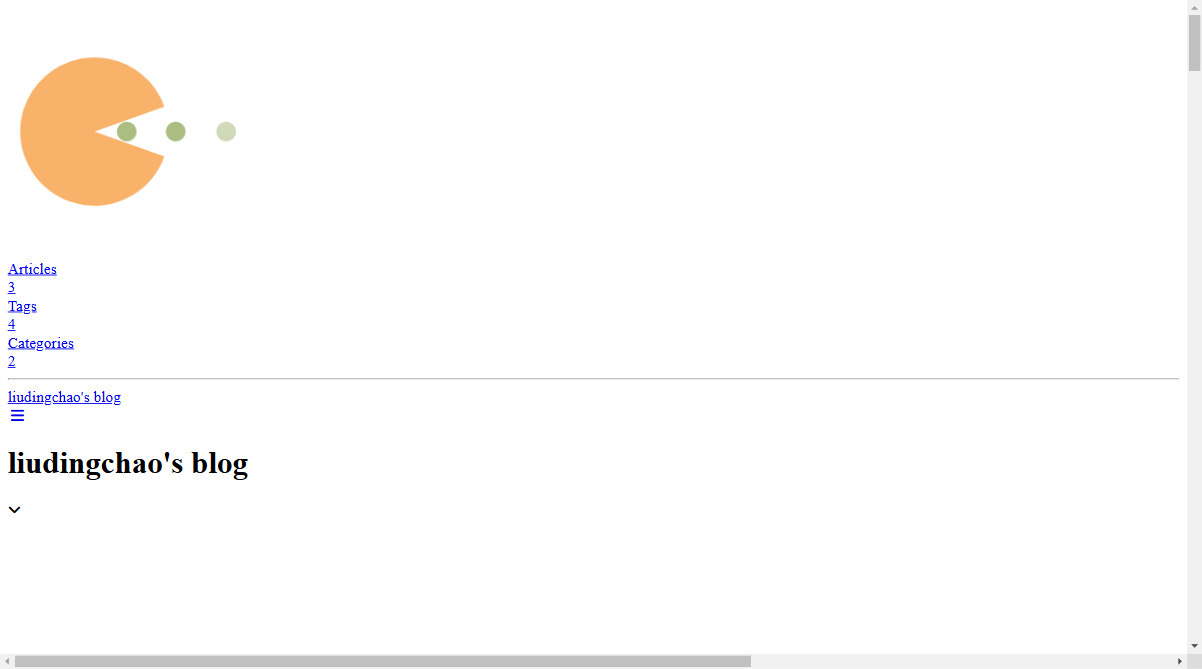
问题原因:资源文件路径未设置或设置错误,导致相关样式文件找不到。
解决方式:
- 修改项目根目录
_config.yml文件,设置url为线上blog地址,如:url: https://liudingchao.netlify.app/。 - 修改
index_generator=>path: ''为path: '/'
All articles in this blog are licensed under CC BY-NC-SA 4.0 unless stating additionally.
Related Articles